Daily Practice forStrong Math Foundations
Struggling to keep track of what your child practiced—and what they're still weak in? MathLyft helps you assign focused practice and ensures weak areas get revised.
No credit card required.
Why this gets difficult
Looks simple… but hard to manage every day
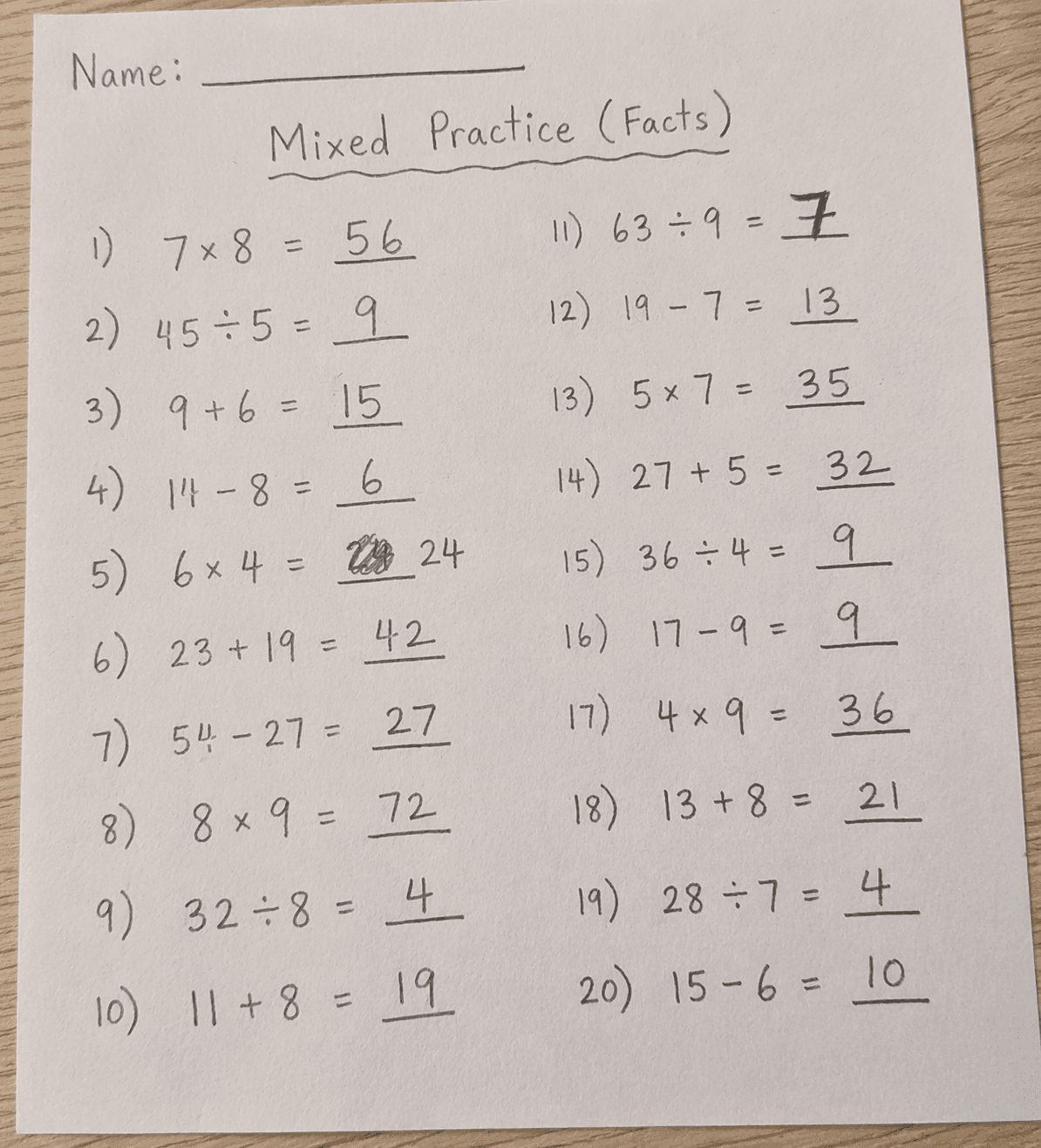
You assign practice today… but it may not get revised tomorrow
Mixing skills like subtraction and multiplication takes extra effort
Weak areas don't always get consistent practice
And doing this every day… takes time.
MathLyft organizes this for you.
Assign the skills once—practice is mixed, repeated, and tracked automatically.
No need to remember what was practiced yesterday—we handle it.
Designed for Parents & Tutors Who Want Consistent Practice
Assign Specific Practice
Focus on exactly what your child needs—like subtraction, multiplication, or specific tables.
Consistent Daily Revision
Selected skills are revised regularly, so weak areas stay in focus instead of getting missed.
Smart Practice Rotation
Mixes selected skills automatically and helps ensure weak areas are revised regularly over time.
Flexible Session Length
Choose short or longer sessions (5, 10, 15, or 20 questions) based on your schedule.
Clear Progress Tracking
See what was practiced, what went wrong, and how your child is improving over time.
Pause & Continue Anytime
Kids can stop mid-quiz and come back later to finish exactly where they left off.
Two Ways to Practice
Choose what works best for your family.
Auto Mode
Set it once and forget it. Pick the skills your child needs to practice, and quizzes are generated automatically every time they finish one.
- ✓ No daily effort from you
- ✓ Consistent daily practice
- ✓ Skills are mixed and rotated
- ✓ Pause or change anytime
Manual Assign
Want full control? Pick the exact skills, question count, and tables for each quiz. Great for targeted tests or varying the focus each day.
- ✓ Choose specific topics each time
- ✓ Preview questions before assigning
- ✓ Set deadlines if needed
- ✓ Mix and match freely
Most parents start with Auto Mode. You can always switch or use both.
How It Works
Get your child practicing in under 2 minutes.
Add Your Kids
Create student profiles and choose the basic skills each child needs to strengthen.
Turn On Auto Mode or Assign Manually
Enable Auto Mode for daily quizzes generated automatically, or assign specific quizzes yourself when you want targeted practice.
Track Daily Revision
See what was practiced, what went wrong, and make sure weak areas are revisited regularly.
Ready to Get Started?
Create an account, add your kids, and assign their first quiz in minutes.
Start FreeNo credit card. No trial period. Just practice.